
Residential & Service
Project Management
Enter the job once and let it flow, quote to work order to PO to schedule to invoice, with no re-keying between the front desk, the shop, and the field.

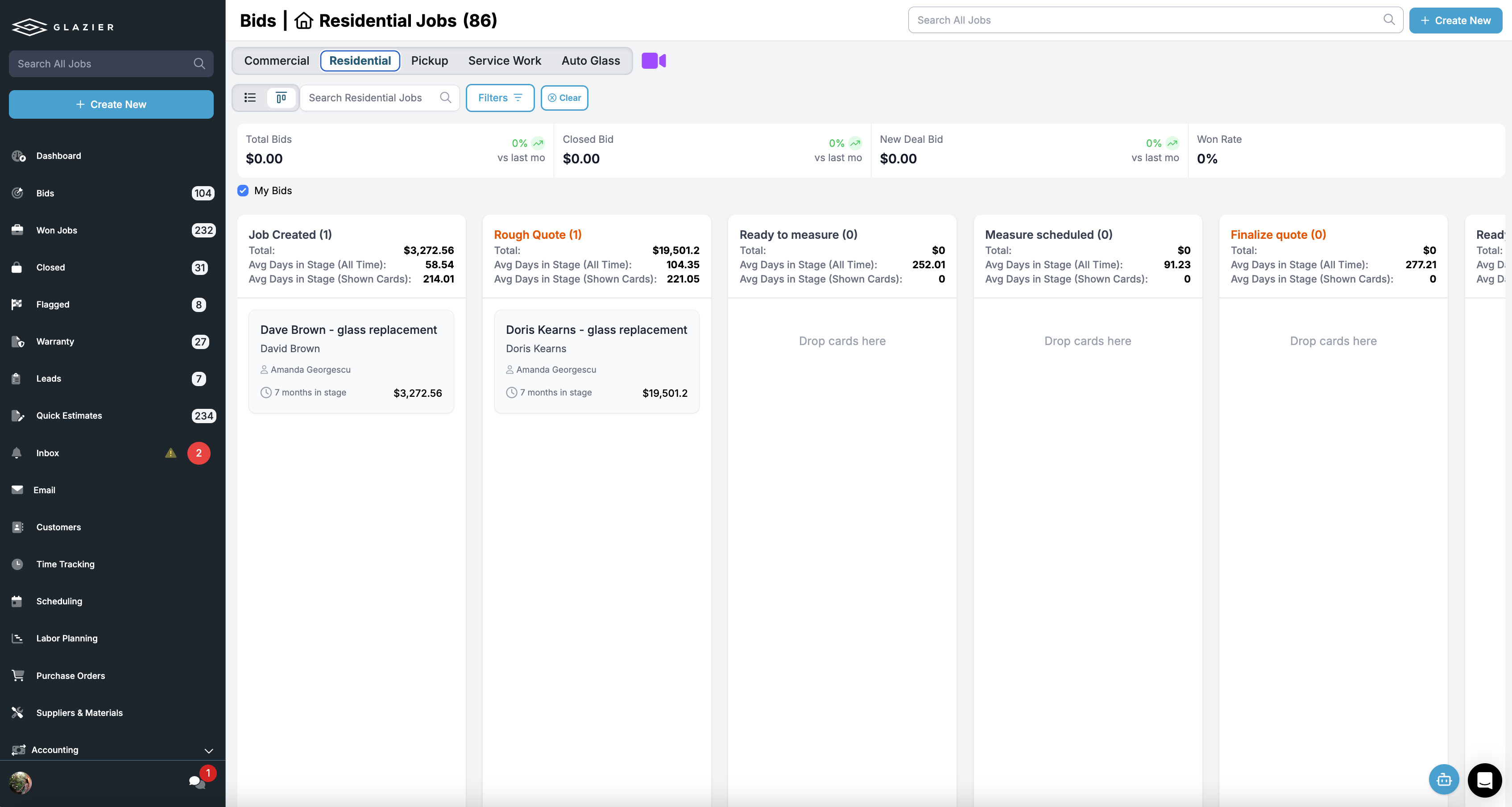
Lead & Bid Pipeline
Make sure nobody drops the ball on a lead.
Leads come in from calls, your website, and referrals, and the ones that go cold usually go cold because nobody followed up. One pipeline shows every lead, who owns it, and what happens next.
- Every lead and open quote in one pipeline
- Owner and next step on every record
- Automatic follow-up on anything sitting too long

Work Orders
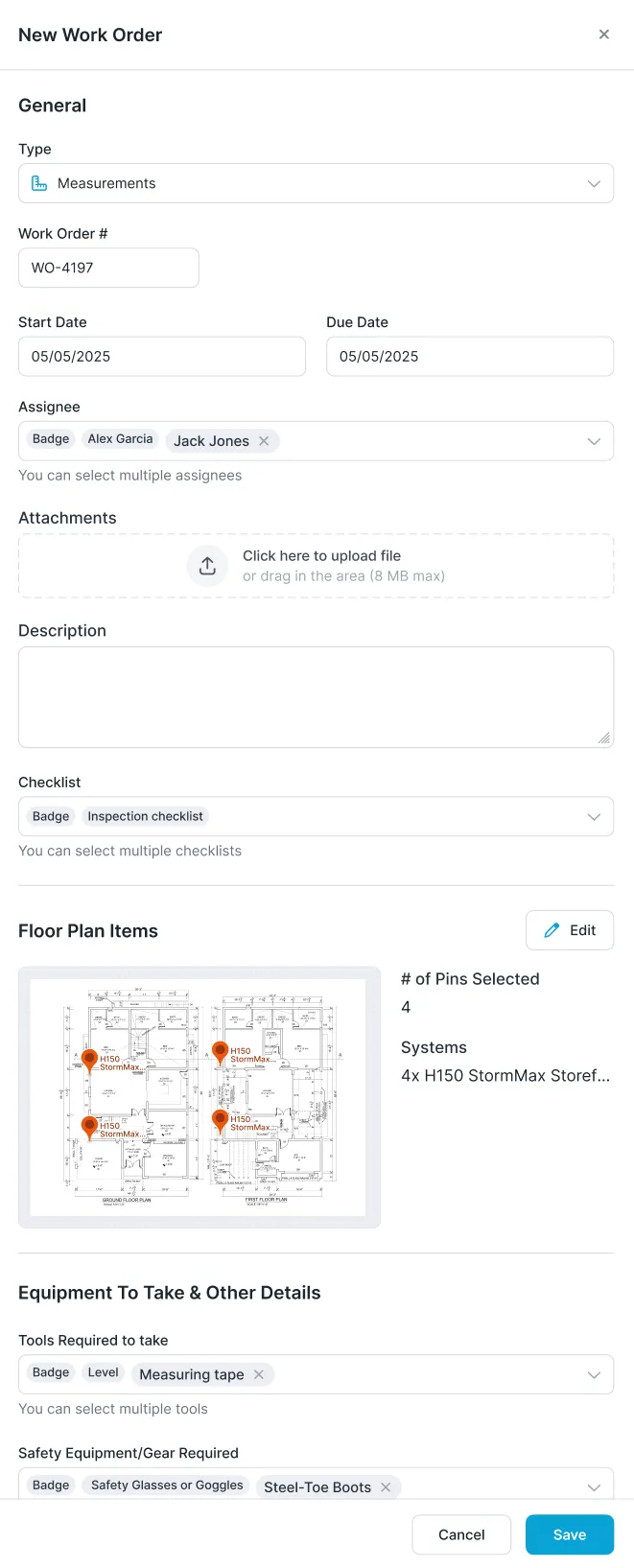
Digital work orders with the checklists you actually use.
Paper work orders get lost and tell the tech only half of what they need. Glazier work orders are digital and carry your checklists and measure sheets so the job is done to your standard.
- Digital work orders with checklists and measure sheets
- Scope, photos, and customer details attached
- Print a paper backup when you want one

Purchase Orders
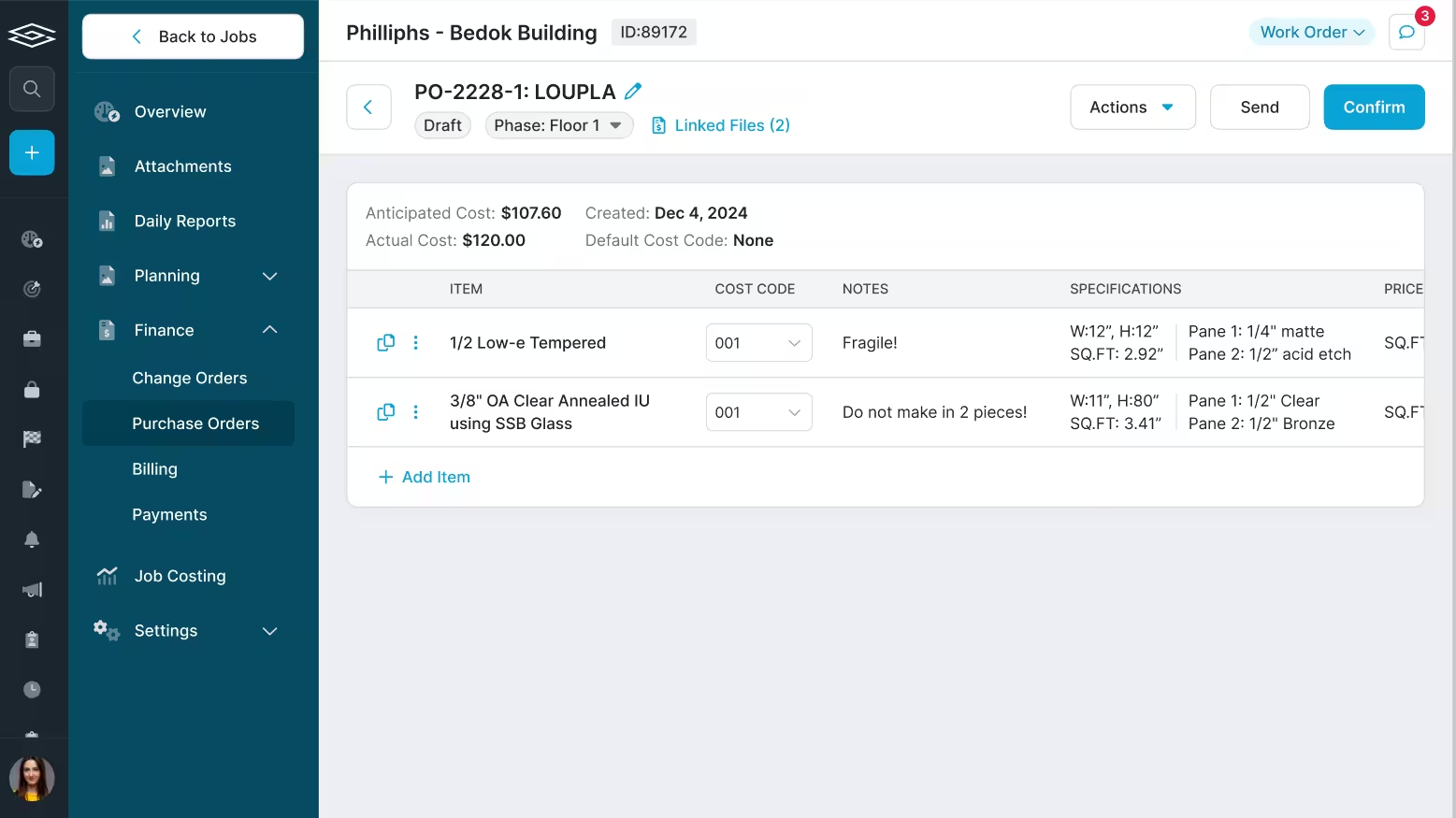
Turn the job into a PO with a click.
Order glass and hardware straight from the job instead of retyping a spec that has already been captured — and cut the misorders that come from a scribbled measurement.
- POs built from the job’s line items
- Sent directly to your suppliers
- Receiving checked off in the shop or the field

Smart Scheduling
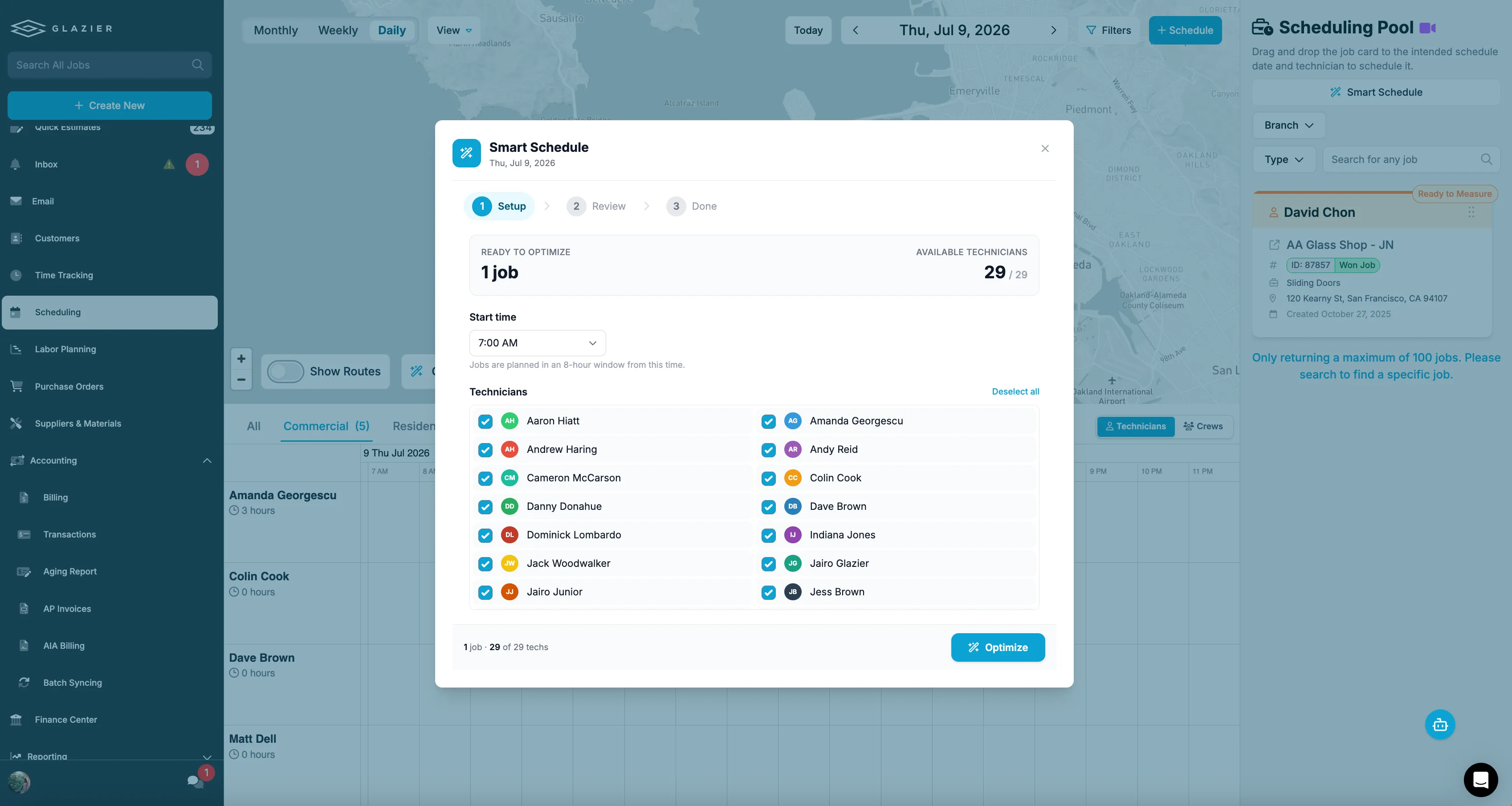
Get the right tech to the right job.
Google-integrated scheduling and dispatch with AI route optimization cuts windshield time, and the field sees changes the moment you make them.
- Route-optimized dispatch for service work
- Google Calendar integrated, tied to their phones
- Changes push instantly to the crew

Inventory Management
Know what hardware you already have on the shelf.
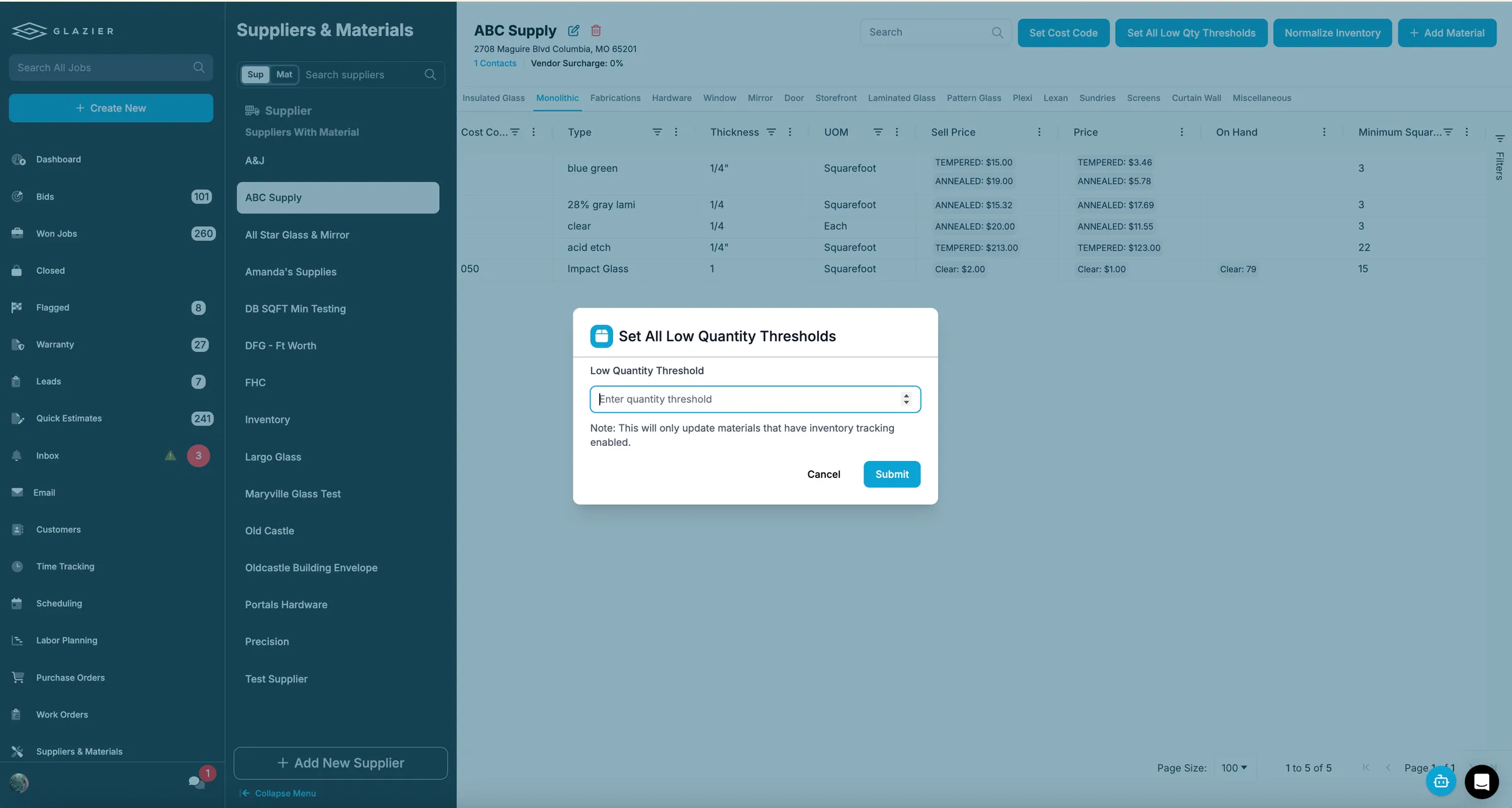
Shower hardware and parts sitting in the back get reordered because nobody knows they are there. Reserve inventory to a specific job and get warned before you run short.
- Reserve hardware and parts to a specific job
- Feeds directly into pick lists
- Low-inventory notifications and minimum thresholds
Pick Lists
Clear instructions for what goes on the truck.
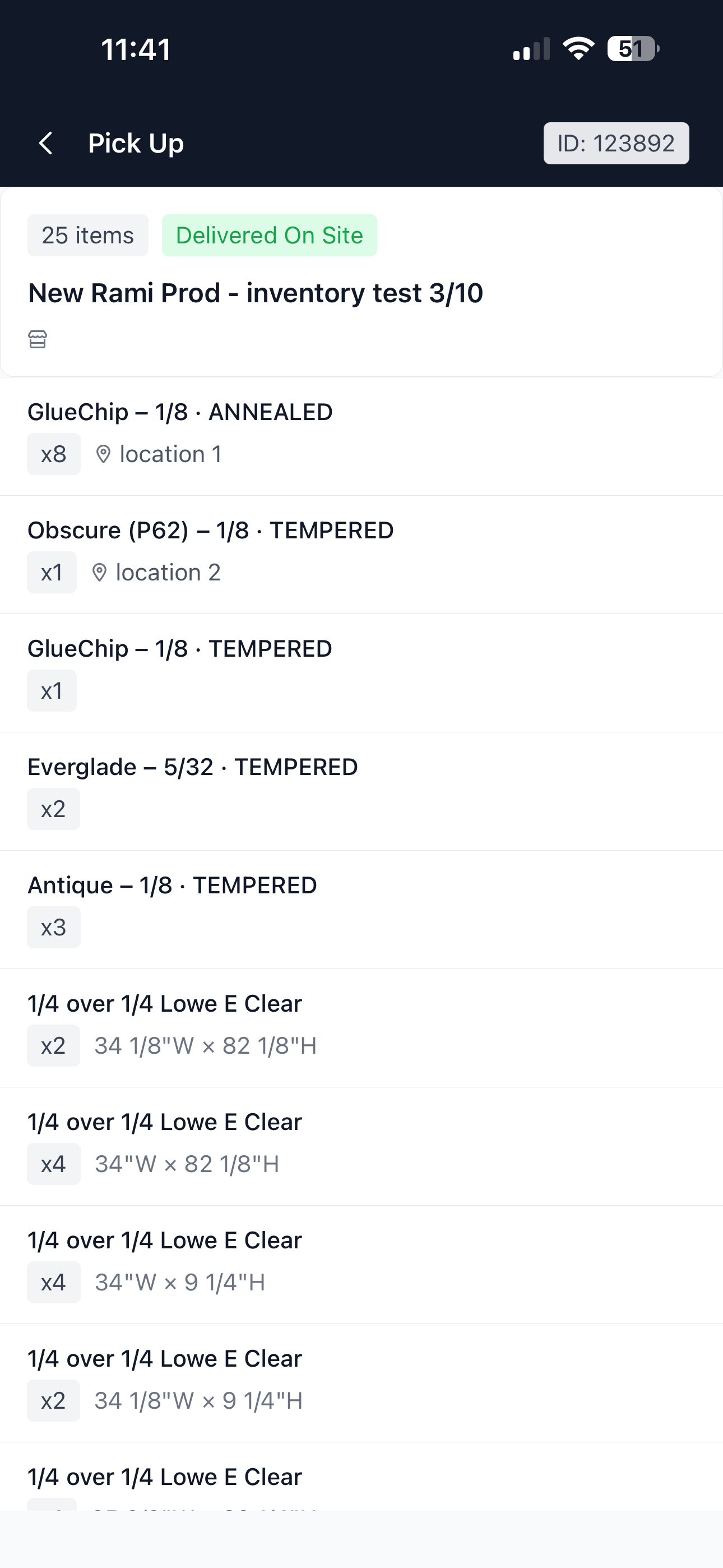
Digital pick lists tell your shop techs exactly what to pull and load for each job, tied back to the material reserved for it.
- Generated from reserved material and POs
- Checked off as items are picked and loaded
- Fewer missing parts discovered on site

Warranty Tracking
Answer the two-year-old callback with facts.
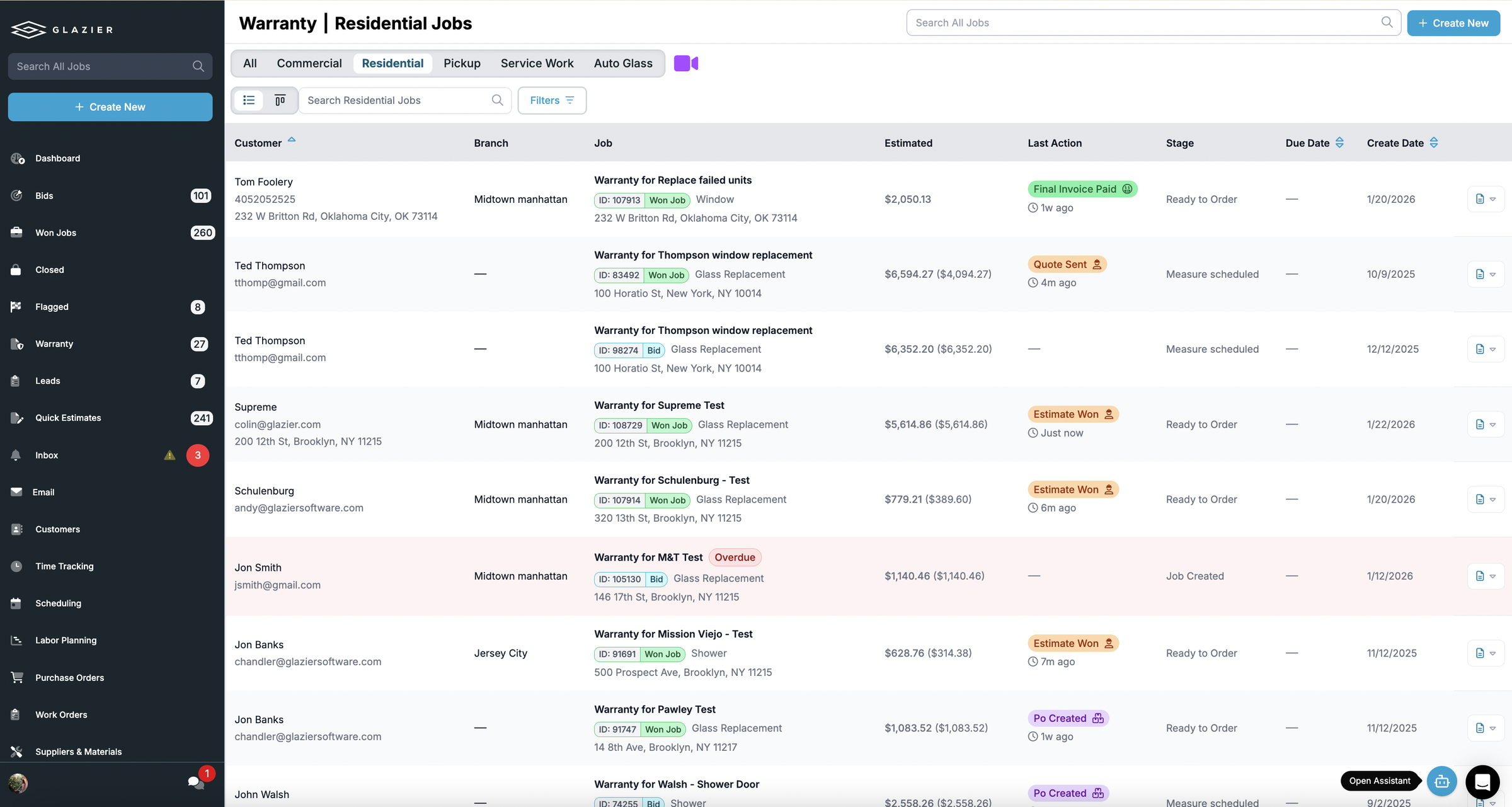
Someone calls saying you installed something two years ago and wants it fixed. Search up the job, see whether it is still under warranty, and turn it straight into a new job.
- Find the original job and what was installed
- See instantly whether it is still covered
- Convert the callback into a new job in one step
The all-in-one platform built for glass & glazing — quoting to cash, powered by AI.