
Management
CRM for Glaziers: How Glazier Tracks Leads and Customers
A CRM for glaziers has to hold job history, property managers, on-account customers and web leads. What generic CRMs miss, and what to look for instead.
8
min read
•
October 11, 2026
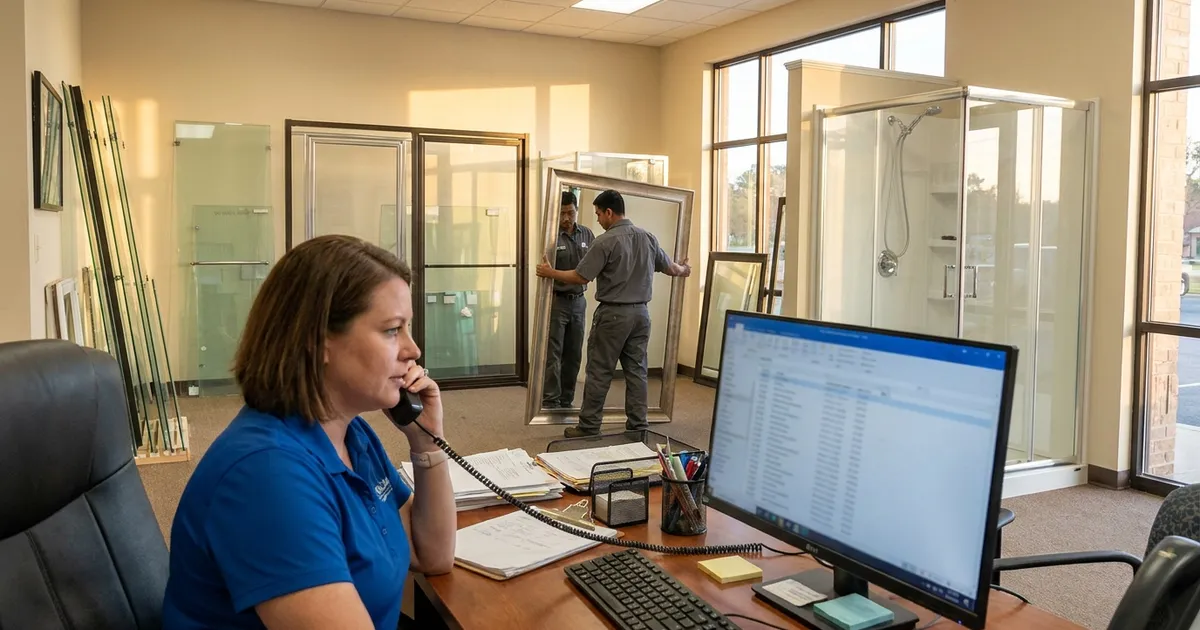
A CRM for glaziers keeps every customer, every job you have done for them and every new lead in one place, so repeat work does not depend on who remembers. Glazier is job software built for glass and glazing shops, and our CRM lives in the same platform as quoting, scheduling and billing. Below is what to look for, and how Glazier handles each part of it.
What to look for in a CRM for glaziers
Ask any vendor to show you these on one of your own customers. Each one is something Glazier does.
- Full job history per customer. One search shows what you did, when, and for how much. See historical jobs.
- Parent accounts with sub-properties. Property managers get one account with the buildings underneath it. See property management.
- Customer categories with default terms. Payment and tax terms follow the customer type. See customer categories.
- On-account billing for regulars. Monthly statements instead of one invoice per job. See on-account customers.
- Lead capture in one place. Website form requests and ad leads land in one lead and bid pipeline, with a website form built for your site.
- Warranty tracking. A callback shows whether the work is still covered. See warranty tracking.
How Glazier handles CRM for glaziers
We built our CRM for glass and service shops rather than adapting a sales tool. Every customer, every job done for them and every conversation sits in one place, next to the quote and the invoice. Here is how each part works, using a hypothetical property manager as the example.
Leads that arrive overnight
A visitor who fills in a form at 11pm should not have to call back tomorrow and hope someone remembers. We build a website form for your site, and each request drops straight into your leads area with the details attached. Overnight and weekend requests are waiting when you open Glazier.
We also embed AI-assisted Google Ads, with reporting that shows leads in, conversions and spend by campaign. You see what the ads return instead of taking a contractor's word for it.
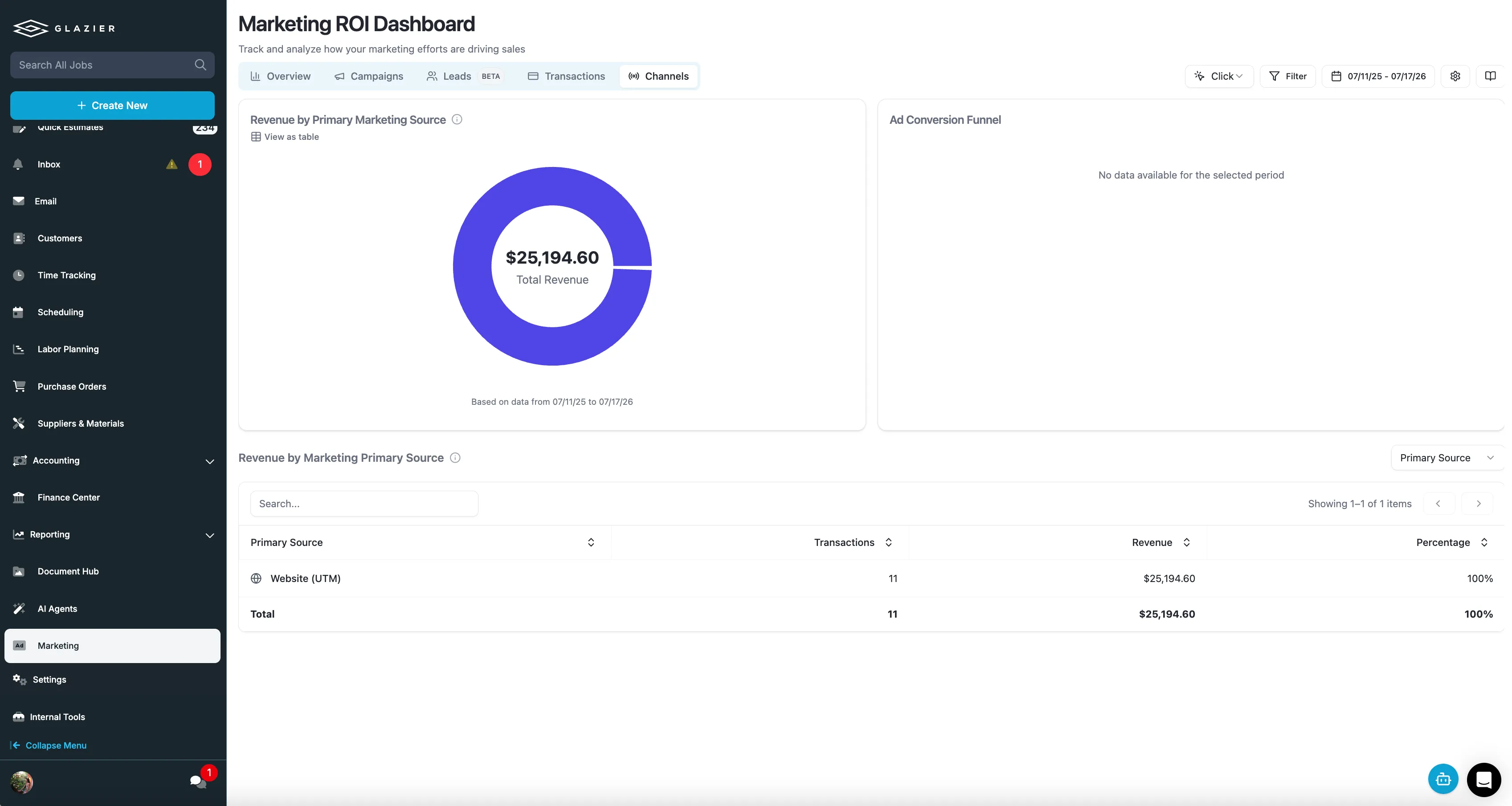
Lead pipeline: an owner and a next step on every lead
Leads that go cold usually go cold because nobody followed up. Our lead and bid pipeline shows every lead and open quote in one place, with an owner and a next step on each record. Anything that sits too long gets an automatic follow-up.
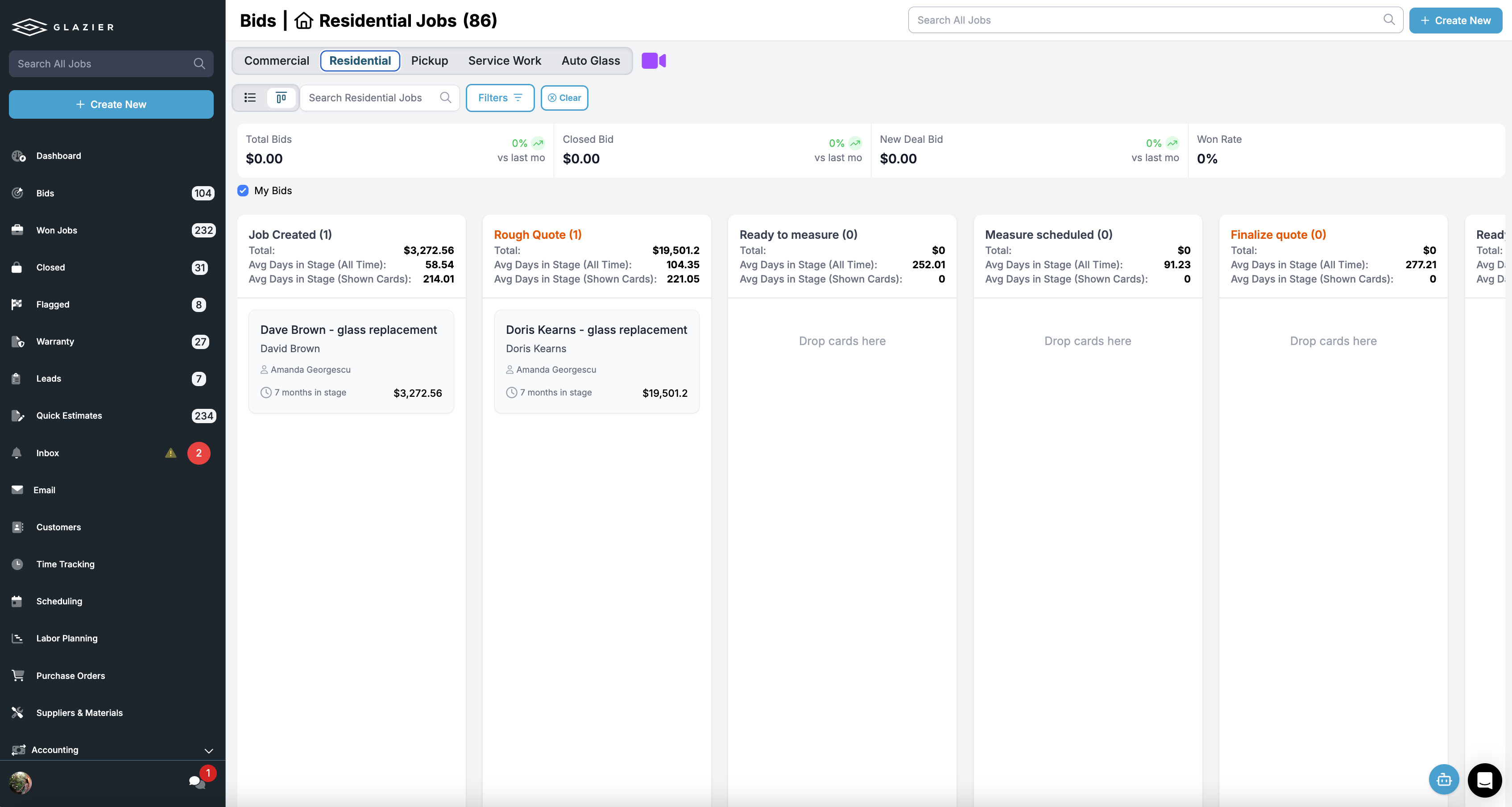
Commercial shops get the same single view through lead management. Leads from email, referrals, GC invites and your website all land in one pipeline, organized by stage with an owner on each.
Customer history: every past job one search away
A customer calls about work you did before, and the details are in a filing cabinet or buried in QuickBooks. With historical jobs, you search the customer and see exactly what you did, when, and for how much. The specs, photos and pricing are kept, so you can quote the repeat job in minutes.
Property managers: one account, many buildings
A property manager is not one address. In Glazier a parent account holds sub-properties underneath it, so work and history roll up the way the account really works. You open the account, pick the building and see its jobs.
Customer categories: terms that follow the customer
Nobody should have to remember which accounts get which treatment. With customer categories, you tag a customer once and the payment terms and tax terms apply automatically. Set the defaults once and every new job inherits them.
On-account billing: one statement for your regulars
Sending an invoice per job is noise for you and for a customer you work with every month. On-account support lets you bill monthly, or on whatever terms you agreed. The customer gets a statement instead of a stack of individual invoices, and the terms are set per account.
Warranty callbacks: answer with facts
Someone calls saying you installed something two years ago and wants it fixed. With warranty tracking, you find the original job and what was installed, and see whether it is still covered. You then convert the callback into a new job in one step.
Federal warranty rules (16 CFR 700.1) cover written warranties on household products, including products installed in a home, so the warranty you give a residential customer belongs on the job record.
Worked example (hypothetical): a property manager, from web form to repeat job
Here is one hypothetical account from first contact to repeat work. The names and numbers are made up for illustration.
- Monday, 10:40pm: a property manager for two apartment buildings submits your website form asking for a price on a cracked window lite. The request is in your leads area, with the details attached, when you open Glazier on Tuesday.
- Tuesday, 8:30am: you take the lead and call her. You set up one parent account with the two buildings as sub-properties, tag the customer to a NET 30 category and switch on on-account billing, monthly.
- Tuesday, 11:00am: you send the quote, $640, as a branded quote by email. She accepts, and the replacement is done on Thursday.
- End of the month: the job goes on her monthly statement instead of a one-off invoice, and the history rolls up to the parent account.
- Six months later: she calls about a cracked lite in the second building. You open the parent account, pick that building and pull up the historical job with its specs, photos and $640 price. The repeat quote goes out in minutes at $690.
- If the call had been a callback on the first job, warranty tracking would show whether it was still covered and turn it into a new job in one step.
The outcome: her details were typed once, the lead's source shows up in your marketing reporting, her terms applied on their own, and the repeat quote came from the record of the last job.
Want to see a property manager go from a web form to a repeat job in one record? Book a Glazier demo and see the whole job in the product.
Why a generic CRM falls short for glass shops
Most CRMs are built around contacts and deals. That works for a business that sells one thing to many people. A glass business sells many jobs to the same people, and the valuable record is the job history, not the deal stage.
Three things usually break when a glass shop uses a general-purpose CRM:
- The job history lives somewhere else. The customer record says who they are. What you installed, when, and for how much sits in the quoting tool, the accounting system or a filing cabinet.
- Property managers do not fit. One account, many addresses. A contact-based CRM either flattens them into one record or scatters them across dozens.
- Leads arrive in too many places. A web form emails someone, an ad sends a call, a contractor texts the owner. Nothing lands in one list, so follow-up depends on memory.
How to choose a CRM for glazing
Before you commit to any system, run it against a real week:
- Pick a customer you have done several jobs for and see how fast the history comes up.
- Add a property manager with at least three buildings and check how the history and billing roll up.
- Submit a test request through your website form and see where it lands.
- Ask how the CRM connects to quoting and invoicing. If the answer is an export, expect to keep two records.
The right glazing CRM is the one your office actually uses on every call, which usually means the one that does not ask anyone to type the same thing twice.
Frequently Asked Questions
What is a CRM for glaziers?
A CRM for glaziers is customer software built around how glass shops get repeat work, tying every customer to their past jobs. It covers every past job for a customer, property managers with many buildings, regular accounts billed monthly, and web and ad leads landing in one pipeline. A generic CRM tracks contacts and deals; a glass CRM ties them to the jobs.
Can a glass shop just use a general CRM?
It can, and many start that way. The trouble is that a general CRM does not know what was quoted, installed or invoiced, so the customer record and the job record drift apart. The shop ends up looking in two places every time a past customer calls.
What should a glazing CRM track?
A glazing CRM should track each customer's full job history, where each lead came from, and the terms and billing that apply to them. That includes parent accounts with sub-properties for property managers, payment and tax terms by customer type, on-account billing for regulars, and lead sources such as the website form and paid ads.
Is a CRM worth it for a small glass shop?
Usually, once repeat and referral work is a meaningful share of revenue. The moment a customer calls about a job from two years ago and nobody can find it quickly, the shop is already paying for not having one.
To see your own customer list and leads in Glazier, book a Glazier demo.
Explore Our Success Stories
Streamline your glazing operations.
Book a demo today and find out how Glazier can transform your glass business.
The all-in-one platform built for glass & glazing — quoting to cash, powered by AI.